
Managing thousands of employees’ records is difficult. The process takes a lot of time, with loads of paperwork to handle. This is where the e-HRMS (electronic human resource management system) comes in, marking a major shift in government administration. The online platform makes resource management efficient, organised, and digital. It supports the electronic management of employee information, workflows, reports, service records, and other services. It turns the traditional HR process into an online digital system, making everything easy and streamlined.
The Main Features of e-HRMS?
The e-HRMS (e-HRMS 2.0) portal brings multiple HR services on one digital platform. Some of the features of the portal you need to know are:
- E-service book
This feature helps maintain digital employee service records.
- Online leave
This feature supports online leave-related processes.
- Online transfer and promotion
It helps in managing transfer and promotion workflows.
- Annual property return
It allows all eligible employees to submit and view their property details on this platform.
- Online service requests
The digital platform supports various employee service requests.
- Recruitment
Users can view features related to vacancies and other appointments.
- User management
The platform provides role-based access for employees and administrators based on their needs.
- Reports
The platform helps departments to access HR related reports and other information.
Additionally, there is a list of additional available features, including:
- Dynamic ACR
- Online Tour
- DPC management
- Master reports
The e-HRMS Login Process!
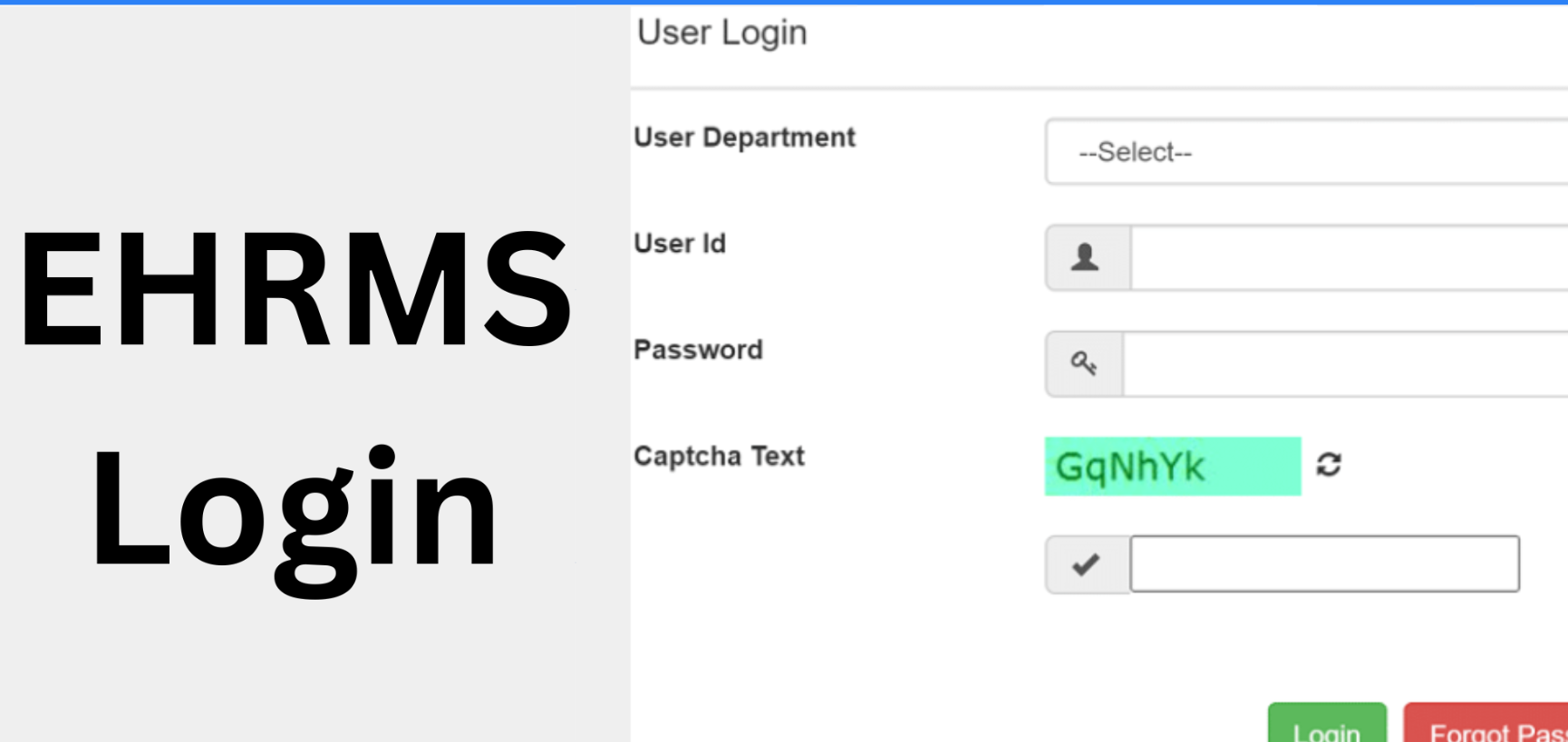
First, an employee must use the e-HRMS portal provided by their respective department and state authority.
The login process differs from one user to another. However, you can check a common process here.
- Visit page
Open the standard web browser. Find the official state or central portal, such as the central e-HRMS portal.
- Portal login
Discover the prominent login link on the portal landing screen. Click to reach the central authorisation interface.
- Select an authentication method
You can select from a standard Parichay login or an alternative deputation officer login.
- Choose State or Department
Choose a specific state or parent department using the drop-down menu.
- Enter identity credentials
Input your assigned user ID and email address. Enter the government-allocated NIC email address. Also, enter a secure login password.
- Pass CAPTCHA checks
Look at the alphanumeric security CAPTCHA shown. Type the digits and letters accurately into the text box to go to the next page.
- Complete OTP verification
Modern security frameworks trigger a mandatory one-time password. You will get a text code on your registered mobile number. This step proves your physical identity.
And finally, get access to the main dashboard
Click the Submit button, and the dashboard will open smoothly.
The Main Uses of the e-HRMS Portal!
- Employee record management
- Leave management
- Transfer and promotion management
- Workforce planning
- Online service requests, such as reimbursements, accommodation, NOCs, and transfer requests.
- Annual property return
- Eligible users can enter or submit annual property details using the system.
Discover the Benefits!
- Reduced paperwork
- Simplify routine HR administration tasks
- Accessibility
- Reduced duplicate and inconsistent record-keeping
- More structured workflow
- Reduced manual efforts
- Faster response to employee matters
Conclusion
The e-HRMS portal is quite an important step towards digital human resource management. It provides a common system for maintaining service records and employee-related workflows. Platforms like e-HRMS help make government processes more efficient, transparent, and structured.